Website & requests
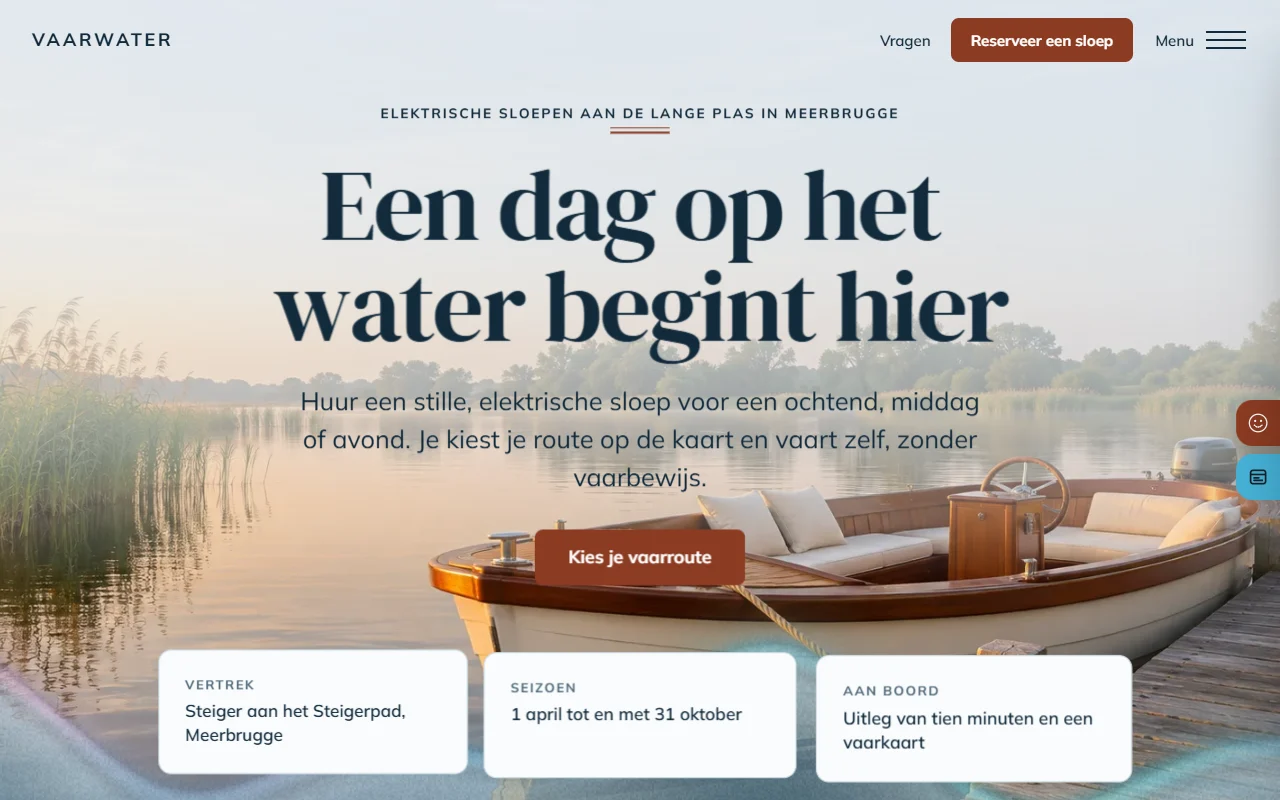
A complete hire site with a route picker, a filterable fleet, parts of the day, rates with extras, an on-board briefing, questions and a knowledge base, clearly structured for mobile and desktop.
Configure your websiteShow your work, make it easy to get in touch or book, and get found by new customers nearby. We build a site that fits the way you work.
Website from €499 + platform from €29/month · excl. VAT · price shown before you order

Design example with fictional content
A working example for a boat rental that you open and click through yourself. Your version is built in your own style.
Working example with fictional content. The components you choose determine the final result.
Vaarwater does not exist. The name, people, prices and reviews in the example are made up to show how a boat rental website works.
The example shows a hire business for electric boats in Meerbrugge with the headline 'A day on the water starts here'. 'Choose your route, then your boat' is the route picker on the map, and 'Four boats, one jetty' shows the fleet with filters.
'Three parts of the day, three kinds of light' shows morning, afternoon and evening, 'What a part of the day costs' combines the rates with extras, and 'How to go on board' is the briefing before departure. 'Read before you sail' is a knowledge base with four articles.
The booking in the example works locally, with confirmation and reset, and sends nothing.
Many business owners in your field run into the same things. We build the site around them.
Hiring a boat is one thing; filling an afternoon is another. Show routes on a map with sailing time and mooring spots, and people book a day on the water instead of just a boat.
Is the big boat free on Saturday afternoon? Anyone who has to ring to find out books with the neighbours. Show what is free per boat and part of the day, and take the booking directly.
Every group asks how the motor works, who may steer and what happens if it rains. Put the on-board briefing on your site in advance, and boarding goes faster.
Start with your website. Add branding, visibility and smart follow-up whenever it fits.
A complete hire site with a route picker, a filterable fleet, parts of the day, rates with extras, an on-board briefing, questions and a knowledge base, clearly structured for mobile and desktop.
Configure your website
Flyers, business cards and campaign imagery in your house style, recognisable online and offline.
Explore the options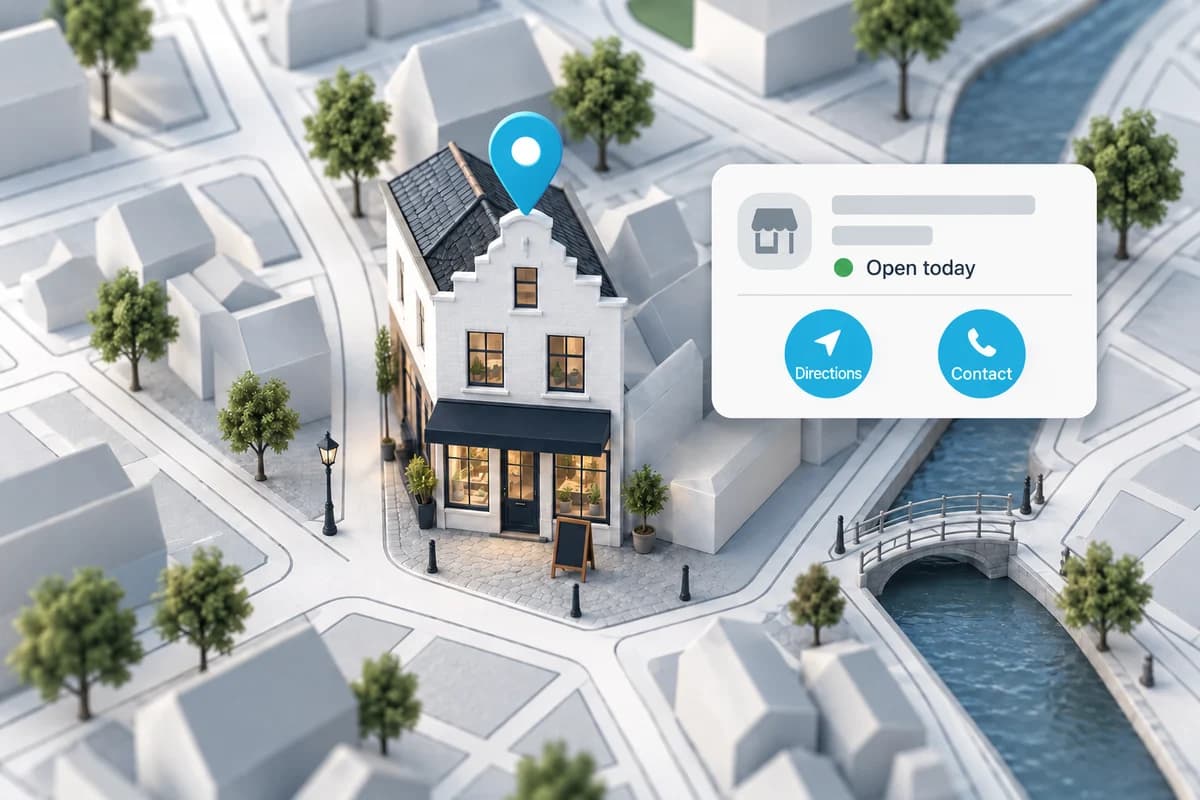
Content for searches like “electric boat hire Meerbrugge”, written for people, Google and AI search engines.
See visibility options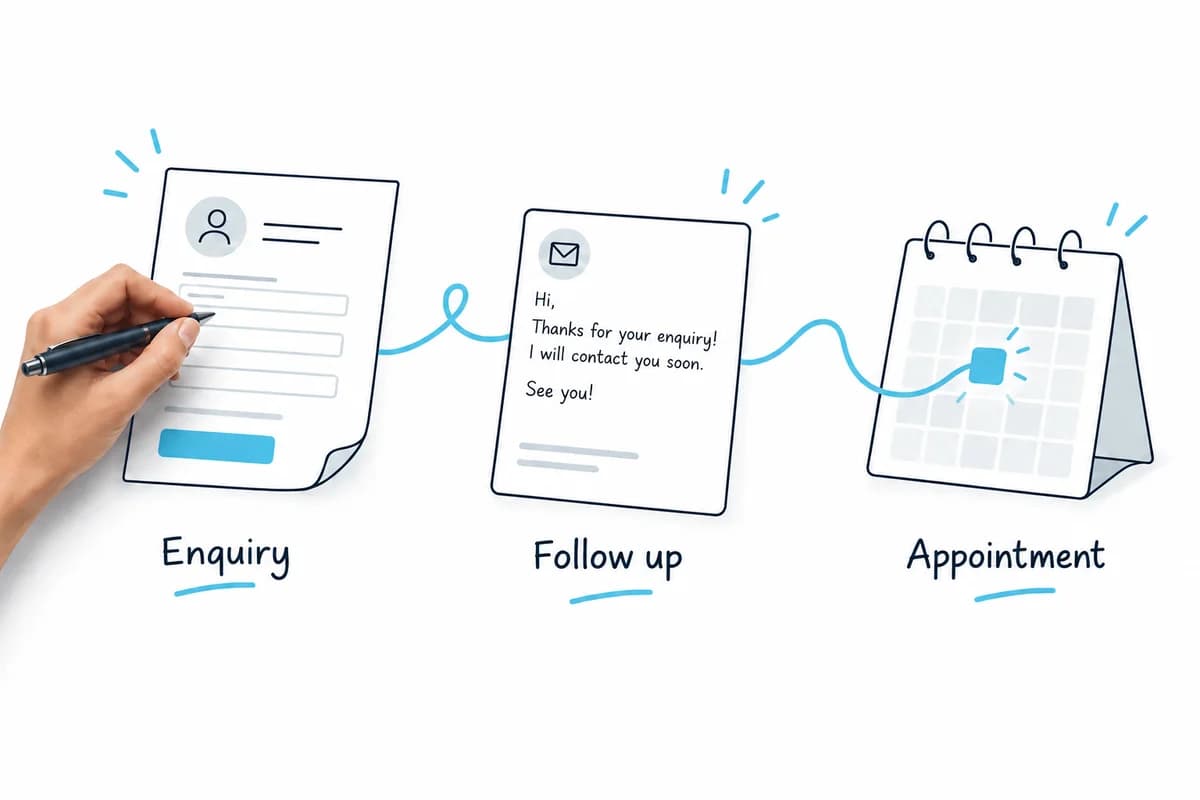
An AI assistant that answers questions day and night and captures leads.
See follow-up optionsExtensions are configured separately. You see the price before you order.
View all packages for your boat rentalWe help you work out a fitting first step.
The fixed parts a visitor expects in this trade. Run through them before you put your site together.
A map with routes, sailing time and mooring spots.
The fleet with capacity, motor and facilities per boat.
Availability per boat and part of the day, with direct booking.
Rates per part of the day and extras people can add.
An on-board briefing: licence, steering, charging and rules on the water.
What happens in bad weather and how rebooking works.
The jetty: address, parking and where to check in.
After you order, the website for your boat rental appears in your own dashboard. Follow the progress, share photos and files, give feedback and arrange your next step there.
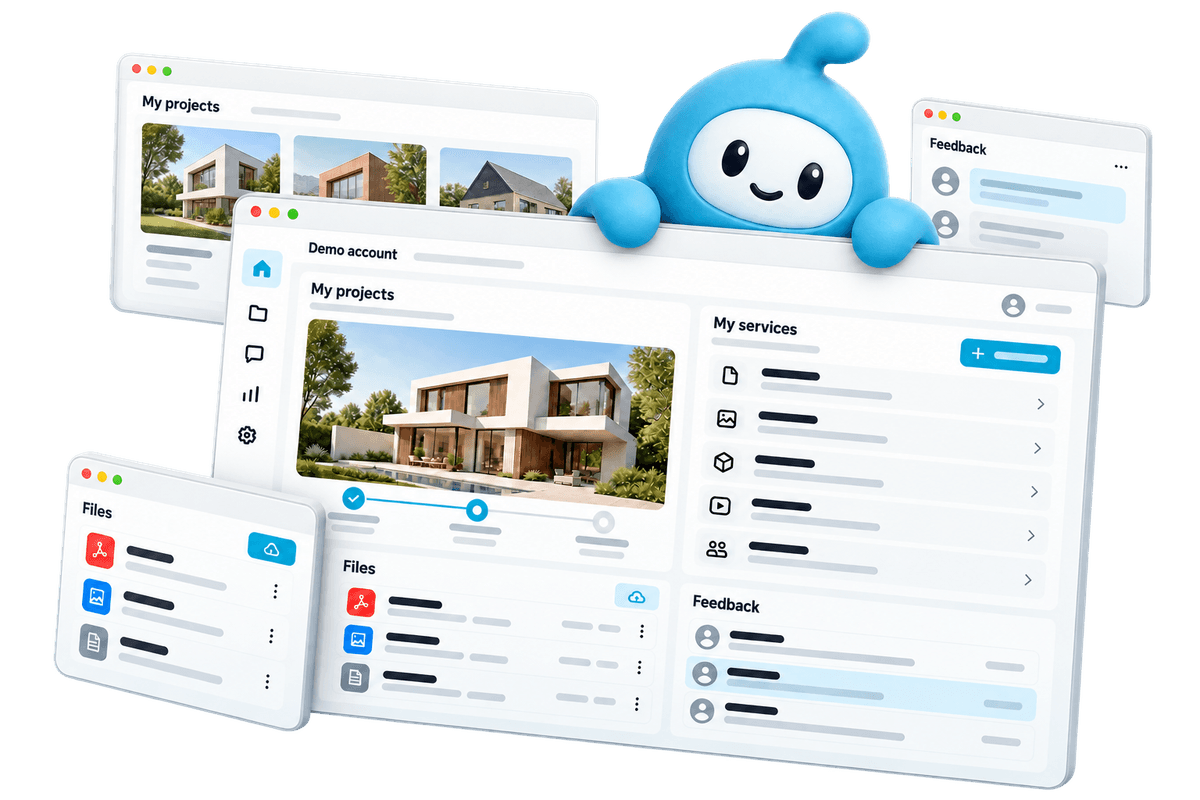
Demo account. Workspaces depend on the services you choose.
Keep your existing systems and let the right information flow between them. We configure the connection, agree what gets shared and test your workflow.
 Google CalendarCustom integrationConnect appointments to your calendar.
Availability or agreed event details.
New or changed appointments.
We choose the source calendar and prevent double bookings.
Discuss this connection HubSpotCustom integrationFollow up a website enquiry directly.
Contact and deal status.
Form submissions and contact details.
We agree data ownership, consent and contact deduplication.
Discuss this connection MailchimpCustom integrationSend sign-ups to your own mailing list.
Subscription status and unsubscribes.
Sign-ups with recorded consent.
Lists, consent and unsubscribes must agree across both systems.
Discuss this connection ResendSetup availableSend confirmations from your website.
Delivery and failure notifications.
Transactional emails from your agreed workflow.
We configure your sender domain and the required email templates.
Discuss this connection ShopifyCustom integrationMake your existing store work with your website.
Products, stock and order data.
Enquiries or agreed product and fulfilment updates.
The app, permissions and sync direction are configured for your store.
Discuss this connection WooCommerceCustom integrationKeep and connect your WooCommerce store.
Catalogue, prices and orders.
Agreed catalogue or order updates.
We choose the Store API or management API to match your plugins and hosting.
Discuss this connection“Setup available” uses an existing MediaSimpel connector or feed. “Custom integration” requires a scoped implementation. Options depend on your software version, account, API access and provider approval.
Explore all connectionsView the example and configure your website. You see what you get and what it costs before you order.
Share your texts, photos and wishes in your dashboard. Follow the work and give feedback there.
Manage your site yourself and add branding, visibility or follow-up when your business is ready.
Yes. A map of your waters shows the routes with sailing time, distance and places to moor. Once someone picks a route, they see which boats and parts of the day fit it. The price breakdown updates as they go, so there is no surprise at checkout.
Each boat gets a card with the maximum number of people, the motor, a canopy against rain or sun, and what is on board. Filters on group size and facilities show only the boats that fit. A group of ten immediately sees which boat is big enough.
You can. Each part of the day has its own times and, if you like, its own rate. Bookings work per boat and per part of the day, so the same boat can go out in the morning and again in the evening. You plan the changeover time for cleaning and charging in between.
With a block about going on board: when a licence is needed for your boats, who may steer, how the motor and charging work, and what to do in bad weather. Guests read it before they come. At the jetty you only give the short hands-on instruction.
Yes. Extras appear as choices in the booking, with what they include and whether they are charged per item or per part of the day. A skipper, a cool box, cushions or bringing the dog: it all lands on the same confirmation, so you can have the order ready at the jetty.
Configure your boat rental website, see the price before you order and follow the work in your dashboard.
Website from €499 + Platform from €29/month
Price indication excl. VAT. Platform for at least 12 months. Extra features separately.