On Monday morning it is already there
Revenue, margin, hours and stock from all your systems together on one screen, fetched again every night.
From €1.999 excl. VAT · price shown before you order
- Automatic integration with your accounting, order and time registration system
- Nightly refresh, with a button to update manually in between
- Charts and tables you filter by period, location, customer or product
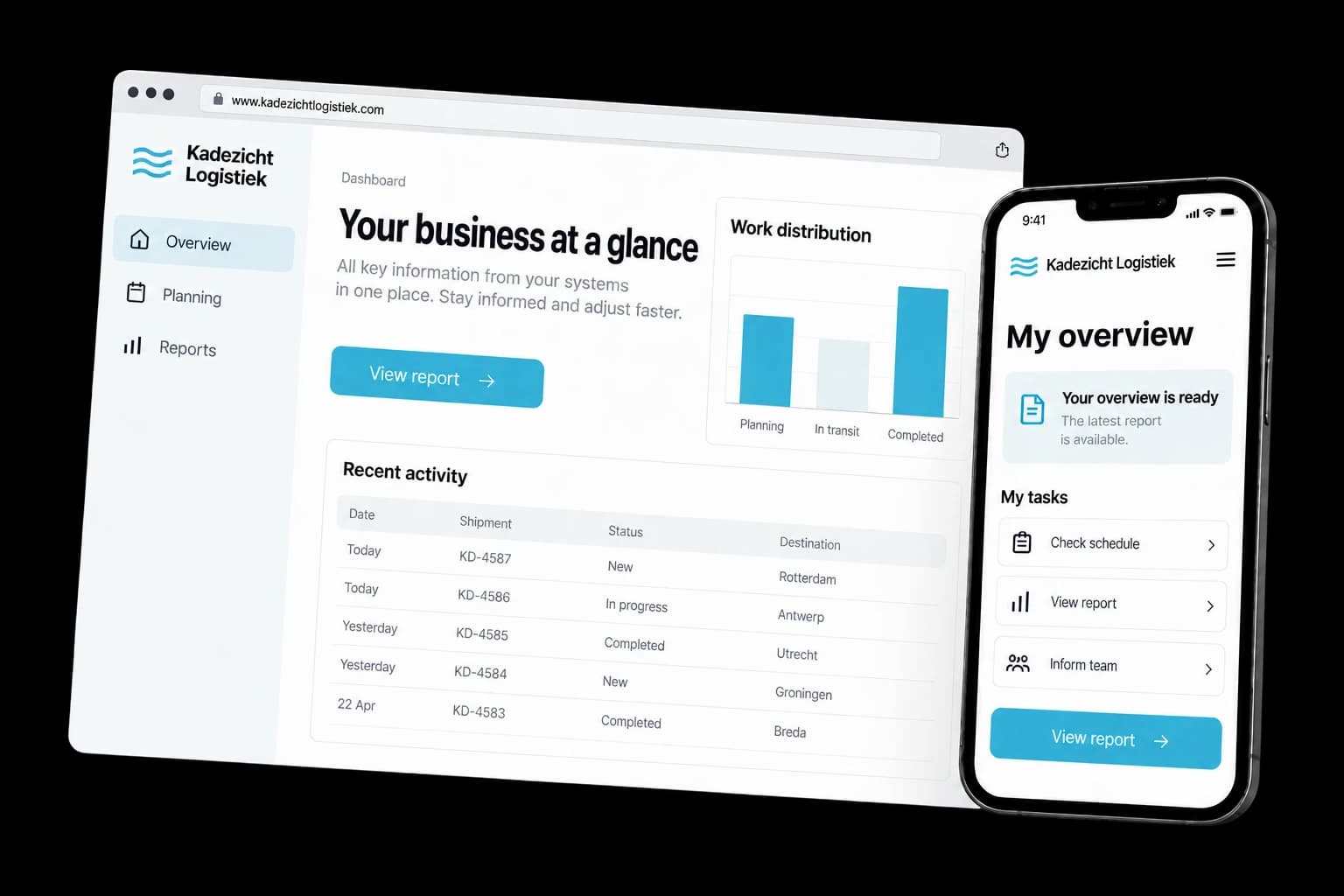
Fictional design example
- The figures are ready in the morning
The integrations run at night. When you log in, yesterday's status is already there, without anyone first having to export something.
- One definition for the whole business
We define when revenue counts, what an order is and how margin is calculated. Arguments about whose number is right disappear with that.
- Zoomed in to the individual line
A number on the screen is not an end point. You click through from annual total to month, to location, to the order it comes from.
See what your customers will see.
A working example you open and click through yourself. We build your version in your own style.
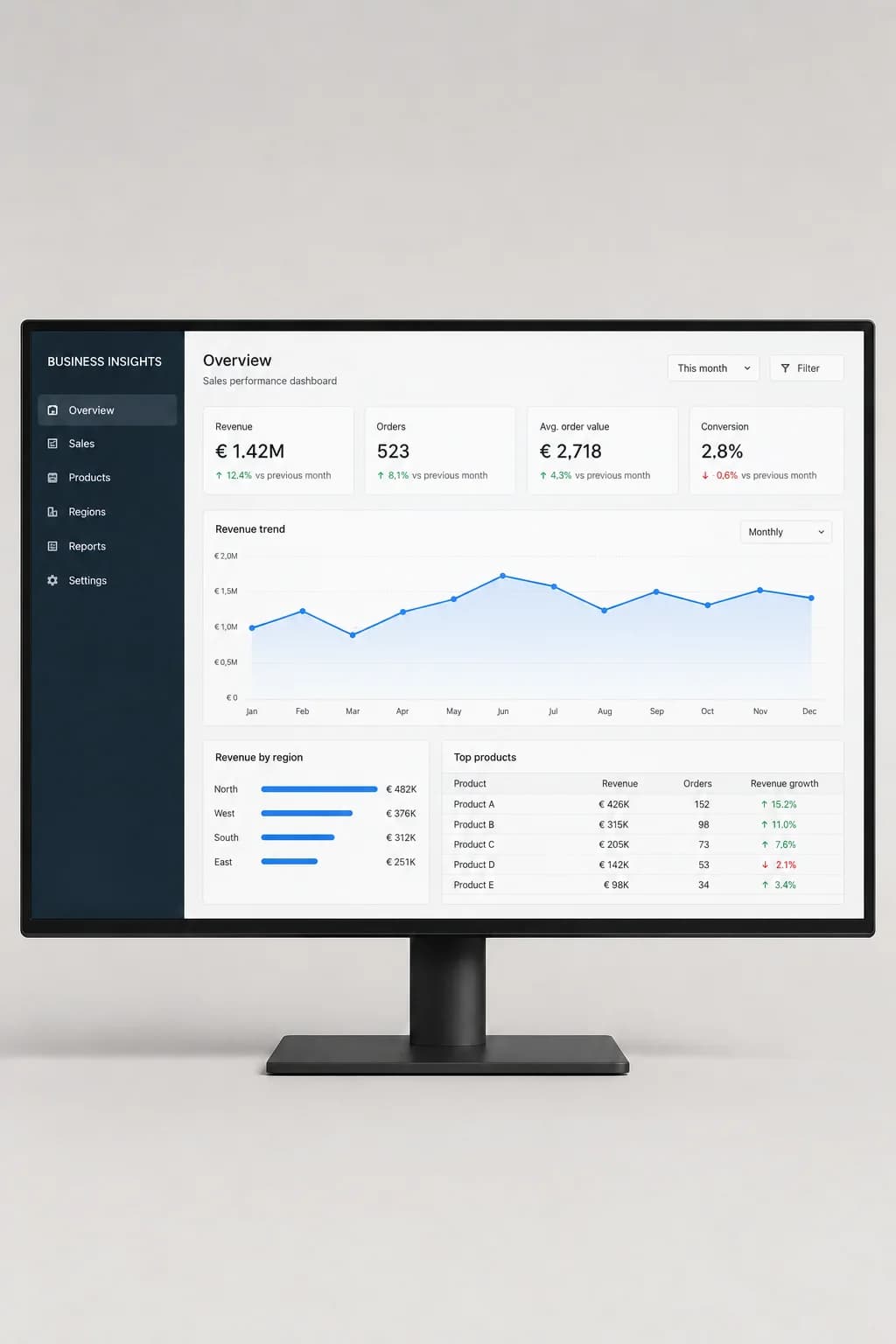
The figures are ready in the morning
The integrations run at night. When you log in, yesterday's status is already there, without anyone first having to export something.
One definition for the whole business
We define when revenue counts, what an order is and how margin is calculated. Arguments about whose number is right disappear with that.
Zoomed in to the individual line
A number on the screen is not an end point. You click through from annual total to month, to location, to the order it comes from.
Everyone their own screen
Your sales manager wants to see different figures from your work planner. You create your own view per role, with the same underlying data beneath it.
A message when something goes off track
If the margin on a type of work drops below a limit you set yourself, you get an alert. Sitting and watching the screen every day is not necessary.
Design example with fictional content. The components you choose determine the final result.
Examples of dashboard / bi tool
Browse possible designs and applications. Open an image to take a closer look.
Rapportage op meerdere schermen
Resultaten en trends bespreken
What can this service do for you?
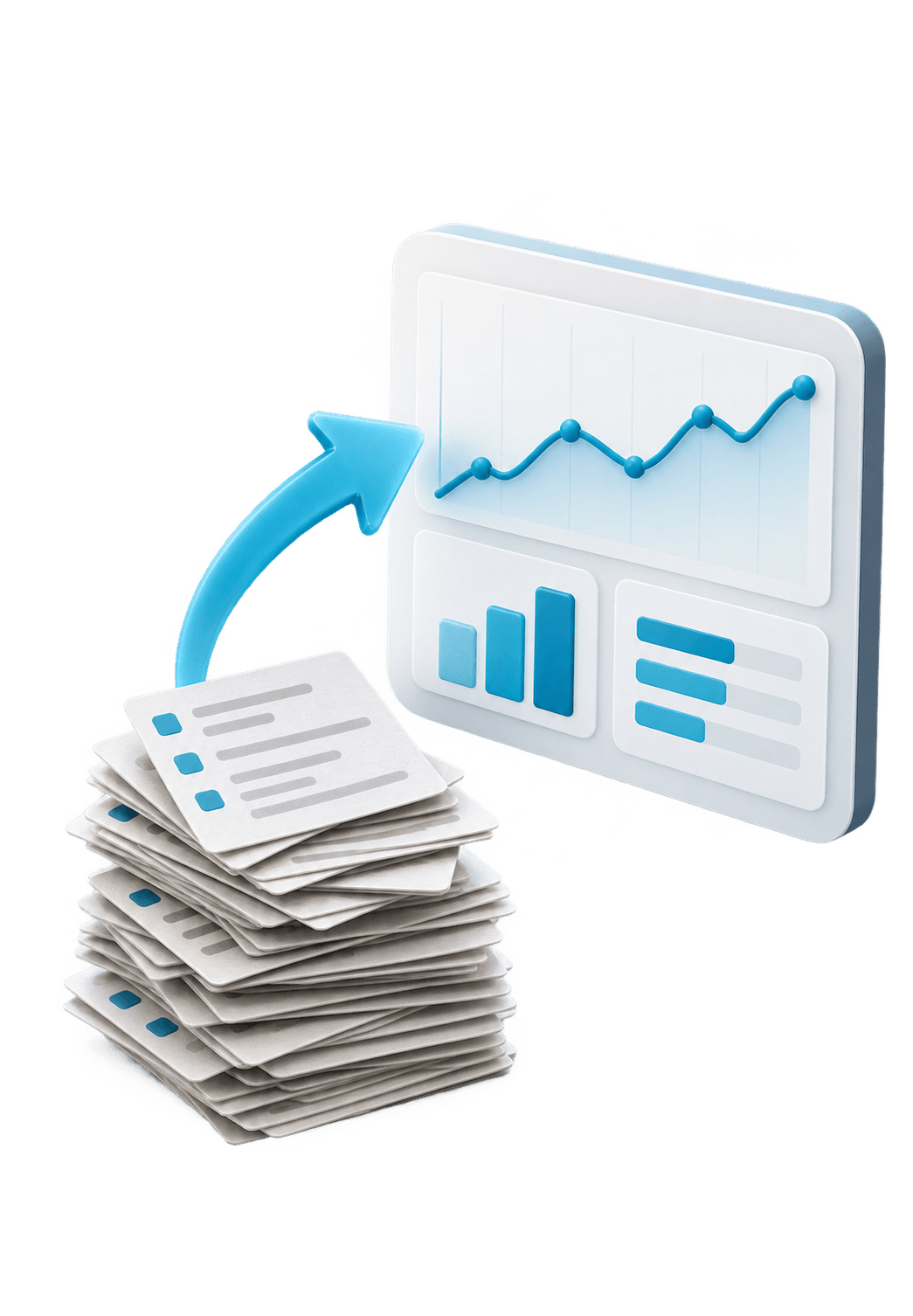
At most businesses the figures are there, they just sit in four different programs. Someone exports a few files every month, pastes them into a spreadsheet and builds an overview from that. It takes a day, it is only ready on the twelfth, and nobody really dares to steer on it because last time a formula turned out to have shifted.
A dashboard fetches that data automatically and calculates it according to your definitions. What counts as an order, when revenue counts and how you calculate margin: we define that together in advance, because that is where the real work is. After that your operations manager looks at exactly the same number as you.
Everything taken care of.
- Automatic integration with your accounting, order and time registration system
- Nightly refresh, with a button to update manually in between
- Charts and tables you filter by period, location, customer or product
- Click through from total to the underlying lines
- Self-set targets per month, quarter or year, with the status next to them
- Comparison with the same period last year
- Views per role, so everyone sees what they need
- Signal by email when a value goes below or above a limit
- Export to Excel or PDF for your bank, your accountant or your shareholders
- Manual entry for figures that are not in any system
- Display on a large screen in the canteen or the workshop
- Permissions per user and a log of who viewed what
Your project and our team. Always close by.
After you order, your project appears in your own dashboard. Follow the progress, share files, give feedback and arrange your next step there.
- Project and progress
- Feedback in one place
- Contact with your team
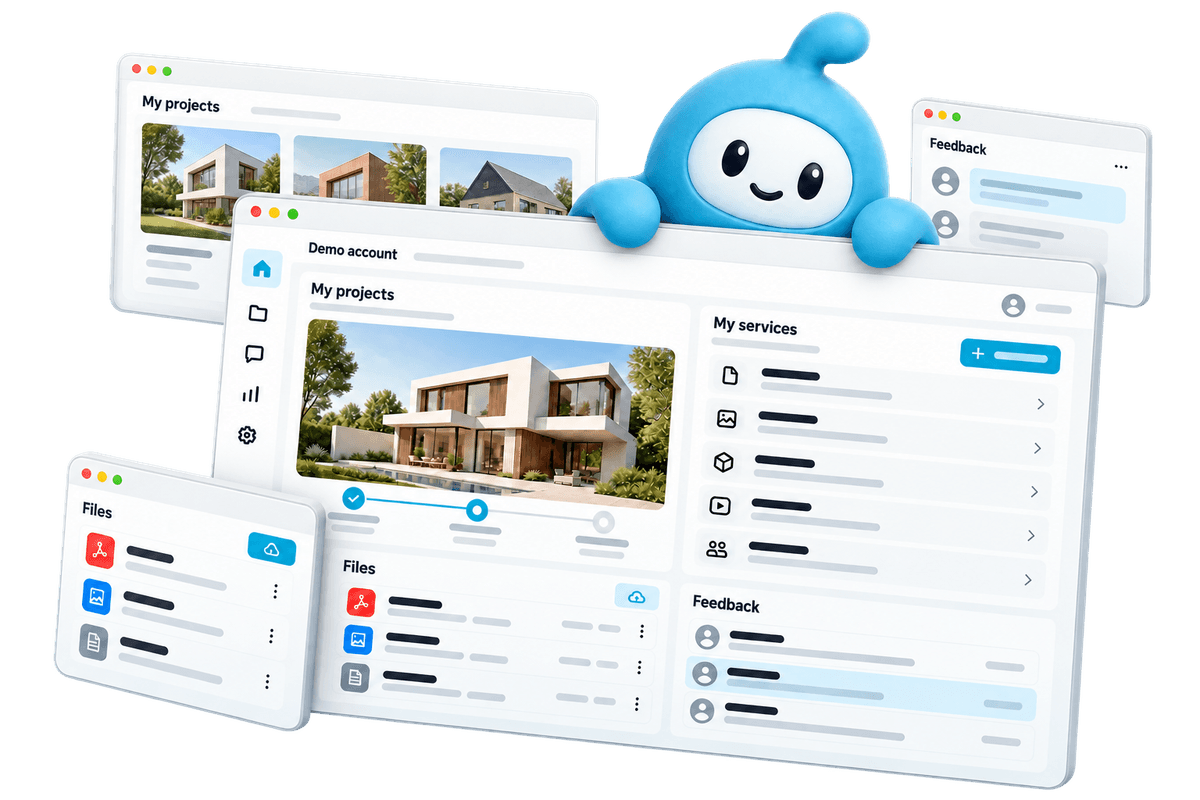
Demo account. Workspaces depend on the services you choose.
From your first choice to your next step.
Choose what you need
View the examples and configure your service. You see what you get and what it costs before you order.
Create together
Share your wishes and material in your dashboard. Follow the work and give feedback there.
Online and beyond
After delivery, request a change or an extra service when your business is ready.
Frequently asked questions
What does a dashboard cost?
From €1.999 for a dashboard with integrations to two source systems, a set of fixed views and filters on period and location. More sources, complex calculation rules or a custom calculation per product group count on top. After an intake of one hour we know enough to give you a fixed price.
How long does the build take?
Six to ten weeks for a first version. The screens themselves go quickly; the time goes to the sources. Data from an older package often turns out to be stored slightly differently than everyone thought, and that cleaning has to happen before the figures are right.
Which systems can you get data from?
Accounting, order administration, time registration, stock, webshop, point of sale and your CRM are the usual sources. If a package has an integration, we use it. If not, we read in an automated export, or we fetch the data directly from the database if you have access to it.
Can't we just do this in Excel?
For a small business with one system that is perfectly fine. It gets stuck as soon as several people need the same figures, as soon as you want to combine sources, or as soon as fetching takes a day every month. If you are not there yet, we simply tell you so in the intake conversation.
Who owns the data and the code?
The data stays yours and sits in an environment in your name. The source code of the dashboard you get at delivery. We do not work with a licence that ties you to us.
What if our figures turn out not to be right?
Then we find out where it goes wrong, and that happens once in almost every project. That is why under every number there is a click-through layer to the source data, so you can see which lines are in it. The first weeks after delivery you run the dashboard alongside your old overview and compare the results.
Can we add more reports later?
Yes. The integrations and the calculation layer are already there by then, so an extra screen or chart is usually a matter of days instead of weeks. You can leave that with us, and if someone at your end picks it up, we train that person in how to make views themselves.
What you can check up front
- You see the price before you order and put together exactly what you need
- 14-day cooling-off period on your online order
- Pay in one go or in 3 instalments at 0%
- The platform subscription can be cancelled monthly
Ready to get started?
Configure your dashboard / BI tool, see the price before you order and follow the work in your dashboard.
Dashboard / BI tool from €1.999 excl. VAT